Explore key applications to help parents monitor and limit their children's screen time, ensuring a balanced digital lifestyle.

As smartphones increasingly dominate childhood entertainment, balancing screen time with real-life interactions is more critical than ever. While kids can tap into a wealth of information and creative content via their devices, the risks of exposure to inappropriate content and addictive patterns remain significant. Parents today face the unique challenge of managing their children’s digital lives while ensuring their safety online. Fortunately, numerous applications have emerged that assist families in navigating this complex digital landscape without resorting to heavy-handed restrictions.
Comprehensive Control: OurPact Parental Control and Kid Tracker
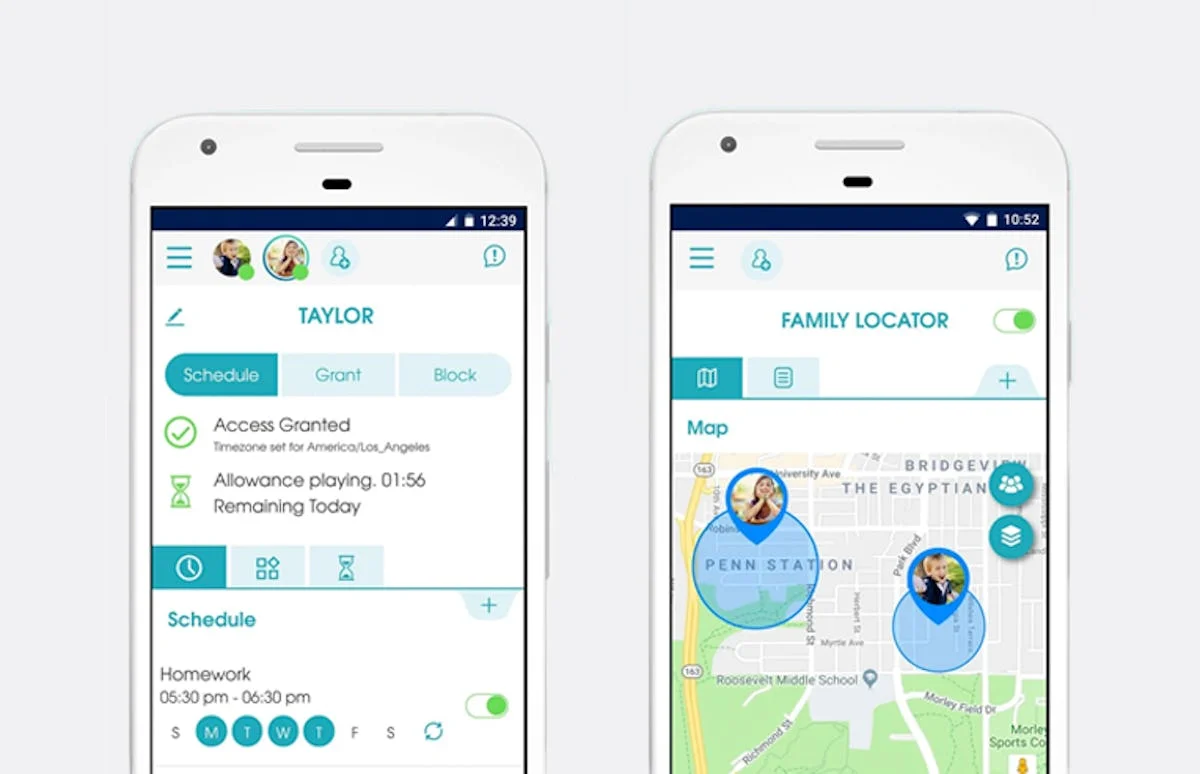
OurPact stands out as a versatile parental tool, effectively blending a host of functionalities into a single application. You'll find options to establish screen-time limits, block specific apps, and even track your child's location—all of which can reduce the stress of worrying about your child's online activities. Additionally, it manages messaging capabilities, allowing for direct oversight of interactions. The integrated OurPact Jr. version serves as a transparent way for kids to understand their screen time and usage schedules, fostering a dialogue about proactive digital habits.
The pricing options are also notable, with ranges from free to about $7 per month, catering to various needs and budgets. This flexibility can appeal to parents looking to experiment with app management without a financial commitment. In an age where parental controls need to be both effective and user-friendly, OurPact provides a solution that respects both parental oversight and child autonomy.
Available on: Google Play
Fun and Educational: Azoomee

For parents of young gamers, Azoomee may be the solution you've been looking for. This platform provides access to over 1,000 vetted games, puzzles, and educational activities designed for children aged five and older. In a market flooded with unregulated content, Azoomee's curated environment allows parents to oversee their children’s gaming while ensuring that the content is not only appropriate but also enriching. The free version offers a limited selection, but the $6.50 premium membership unlocks the full suite of resources.
What sets Azoomee apart is its commitment to education disguised as entertainment. This model can be particularly appealing to parents who worry about the “just gaming” narrative often associated with screen time. The blend of play and learning can lead to a healthier relationship with technology for children. (And this is the part most people overlook: children engage more deeply when learning is fun.)
Available on: Apple App Store and Google Play
Effective Filtering: Covenant Eyes
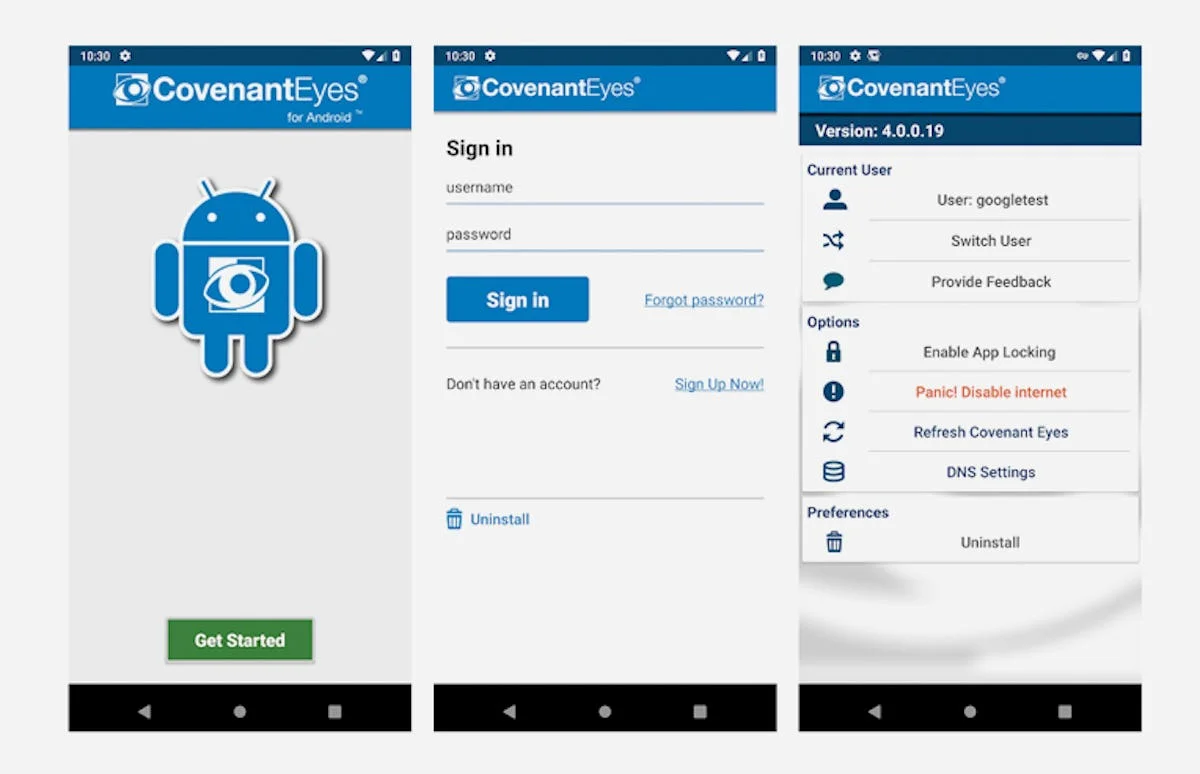
Covenant Eyes excels at filtering harmful content, making it an essential tool for parents who are concerned about their children's exposure to adult material. The app scans and removes inappropriate content from search engines and platforms like YouTube, which often contain unwelcome surprises for unsuspecting viewers. If a child attempts to access restricted material, parents receive immediate notifications, keeping them informed of potential issues and allowing for timely intervention.
This proactive approach to digital monitoring addresses a pressing concern: how to maintain an open dialogue while safeguarding children from the pitfalls of the internet. Developers are increasingly recognizing that just blocking access isn’t enough; education about digital safety is equally vital.
Available on: Apple App Store and Google Play
Android-Centric Monitoring: Google Family Link
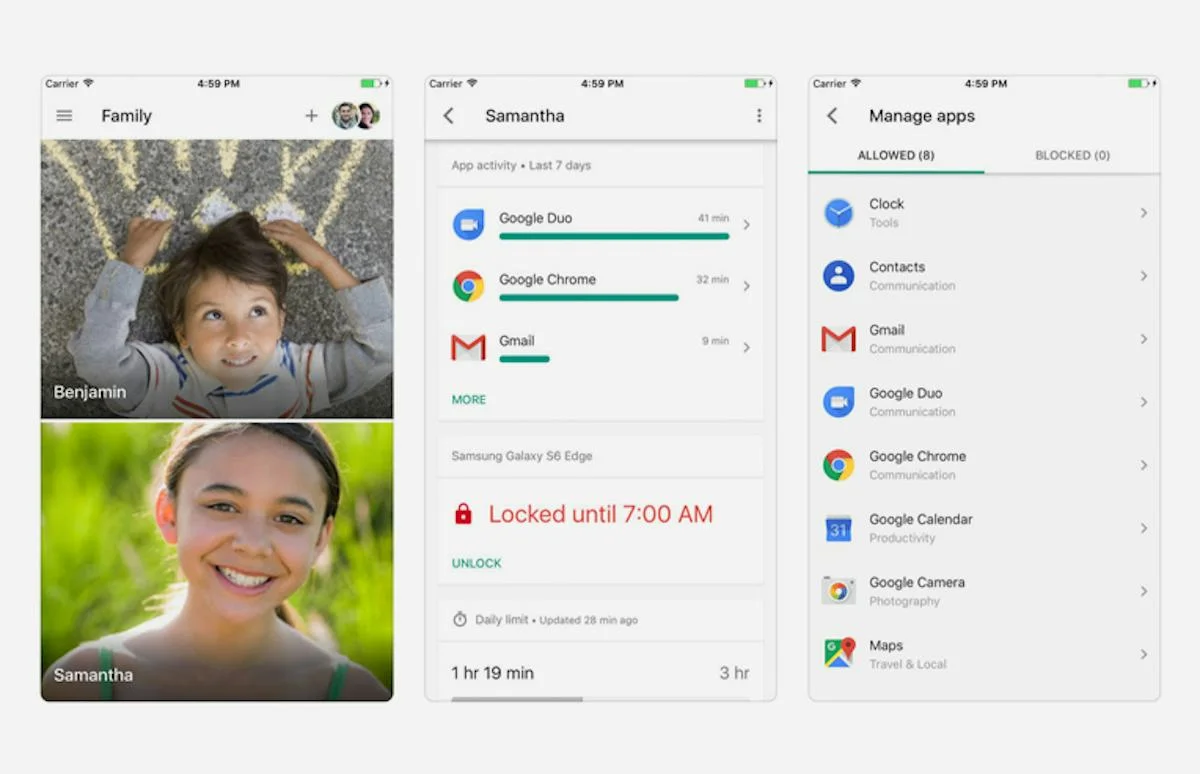
For families using Android devices, Google Family Link is a vital application that empowers parents to manage their children’s smartphone usage carefully. Designed primarily for children under 13, it enables app management, screen time control, and bedtime settings—essential features for tech-savvy parents aiming to maintain harmony in family life. While it offers monitoring capabilities for iOS devices, complete lockdown features are exclusive to Android users, illustrating a potential gap that might prompt parents to reconsider their device choices.
This might limit multi-device families, making it crucial for users to weigh their options. Given the increasing reliance on mobile technology, tools that cater to the most popular operating systems will have a significant impact on user experience.
Available on: Apple App Store and Google Play
Location and Activity Tracking: Kaspersky Safe Kids Family GPS
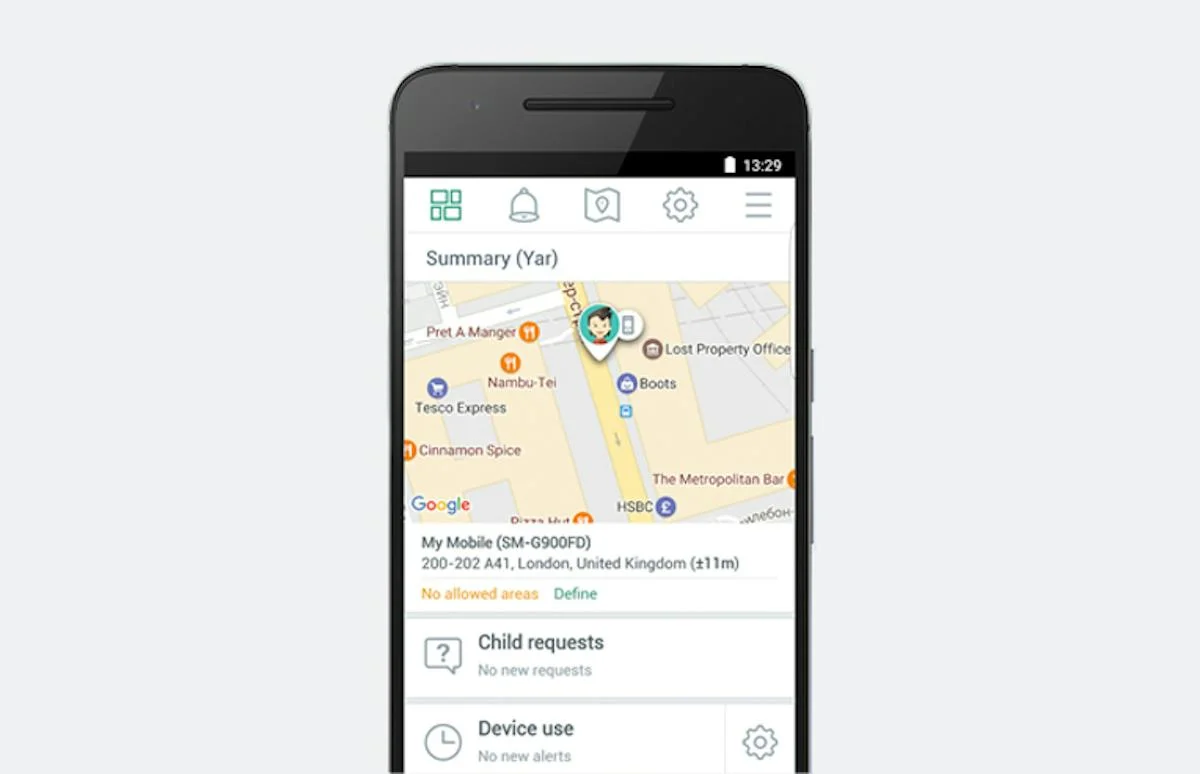
Kaspersky Safe Kids goes beyond the basics, delivering powerful tracking tools that appeal to parents increasingly concerned about safety. It features customizable website filters, allowing parents to sculpt an online experience tailored for their children. Alerts for when children deviate from preset safe zones further increase peace of mind. Upgrading to the premium service reveals even more capabilities, including alerts for unusual activity and social media monitoring, making it a comprehensive solution for tech-aware families.
Using a tiered approach allows flexibility based on parental preferences and needs. Such models can encourage responsible internet usage while ensuring that children explore their digital environments in a monitored yet safe manner. This requires ongoing communication between parents and kids to create a healthy digital citizenship ethos.
Available on: Apple App Store and Google Play
Multi-Device Coverage: Mobicip Parental Controls
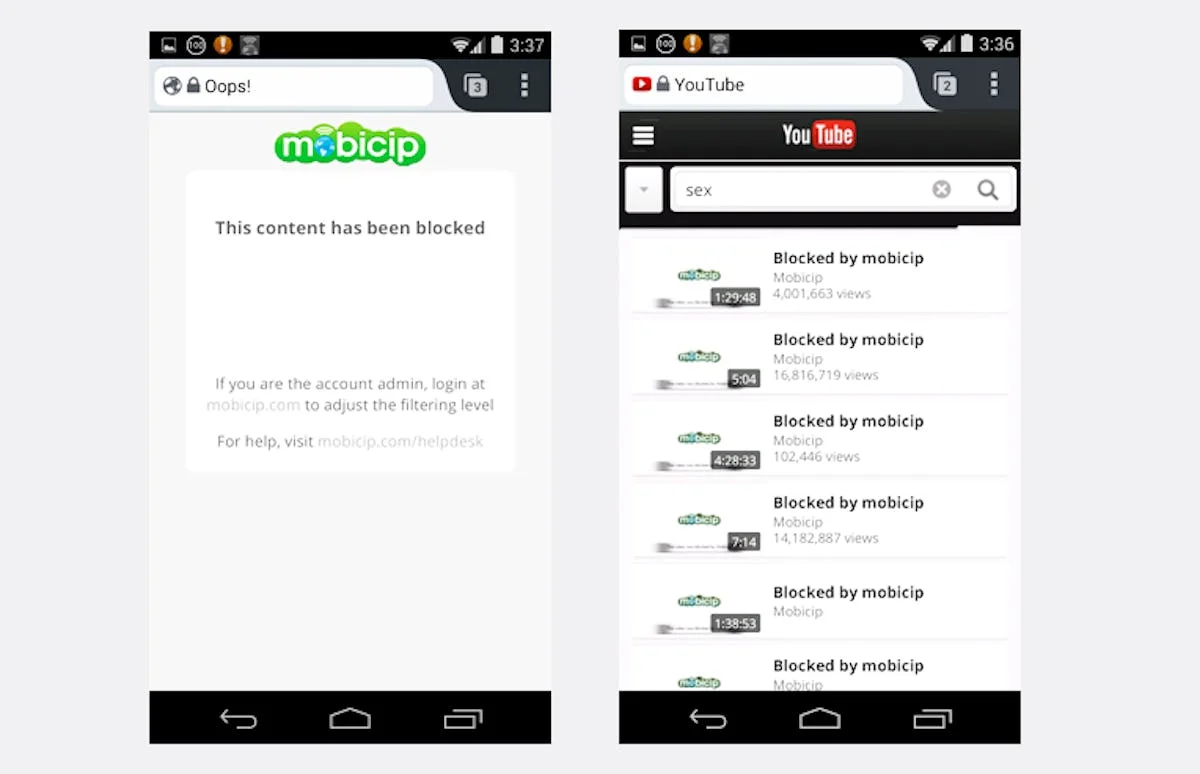
If your child uses multiple devices, Mobicip is designed to provide consistent protection across platforms, adapting to the various digital interactions young users engage in today. It monitors and filters activity not only on smartphones but also on computers, delivering a safety net across different digital environments. Parents can customize settings by age, impose time limits, and receive detailed reports on their child’s online activity. This cloud-based solution ensures that kids can't simply switch to a different connection to bypass restrictions, reinforcing a unified approach to digital safety.
As every device presents unique challenges, Mobicip’s multiplicity of platforms reflects the prevalent pattern of children accessing content through a variety of devices—from laptops to tablets to smartphones. This comprehensive monitoring can be particularly appealing to parents seeking a singular solution to manage diverse tech usage.
Available on: Apple App Store, Google Play, Google Chrome, Windows, macOS
Future Implications of Parental Control Apps
The growing dependence on technology will only intensify the demand for effective parental controls. While current apps offer a range of functionalities, it’s clear that they won’t replace the need for open communication about digital habits. As these tools evolve, addressing nuances like children’s perceptions of screen time and parental oversight will be essential. If you're working in this space, consider that future innovations may focus on enhancing user experiences over mere monitoring. Expect to see more integrative approaches that allow children to engage in self-management while parents monitor aspects without feeling like imposition.
Moreover, the ongoing discourse about tech addiction and its effects on youth will necessitate that developers remain sensitive to parents' desires for balanced usage. Absorbing the opinions of both kids and parents during development can lead to applications that offer a better blend of control and understanding. This evolving interplay of technology, parenting, and children's rights will have lasting ramifications on how we approach digital citizenship in the future.



Discussion
Sign in to join the discussion.