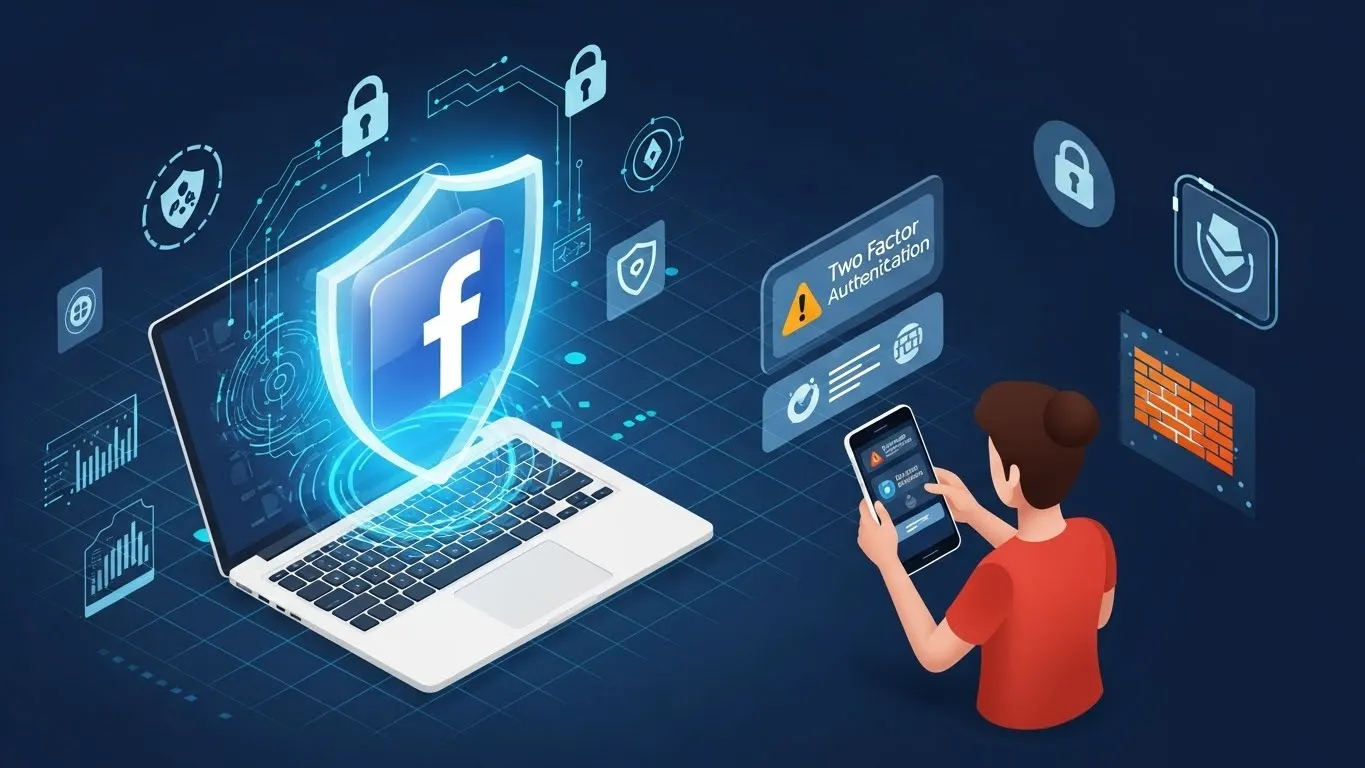
Facebook is one of the most widely used social platforms in the world, which also makes it a prime target for hackers. Every year, millions of users face unauthorized logins, phishing attacks, fake friend requests, and data theft.
Securing your Facebook account is not optional anymore — it’s essential.
In this guide, you’ll learn simple, practical, and highly effective ways to protect your account from hackers.
🛡️ 1. Use a Strong & Unique Password
A weak password is the easiest way hackers gain access.
Use a password that is:
-
At least 12–16 characters
-
A mix of uppercase, lowercase, numbers, symbols
-
Not used on any other website
-
Updated every 6–12 months
✔ Pro Tip:
Use a password manager (e.g., LastPass, Bitwarden, 1Password) to generate and store tough passwords securely.
🔐 2. Enable Two-Factor Authentication (2FA)
Two-Factor Authentication is one of the strongest defenses against hackers.
Facebook’s recommended 2FA options:
-
Authentication apps (Google Authenticator, Authy)
-
Security keys (YubiKey)
-
SMS codes (less secure, but still useful)
Once enabled, even if a hacker knows your password, they cannot log in without the second verification step.
👀 3. Beware of Phishing Links & Fake Messages
Phishing is the #1 method hackers use.
Avoid clicking links that:
-
Claim “Your account will be locked! Click here.”
-
Offer free gifts, rewards, or money
-
Ask for your Facebook password or OTP
-
Come from unknown senders
✔ Always check:
Official Facebook emails come from:
@facebookmail.com
📱 4. Turn on Login Alerts
Facebook will notify you if someone tries to log into your account from a new device.
To enable:
Settings → Security & Login → Get alerts about unrecognized logins
You can choose:
-
Email alerts
-
SMS alerts
-
In-app notifications
This allows you to act quickly if hacking attempts occur.
🖥️ 5. Review Active Devices & Log Out Suspicious Sessions
Go to:
Settings → Security & Login → Where You’re Logged In
Check the list of devices:
-
Unknown locations
-
Unknown browsers
-
Devices you no longer use
Click Log Out on any suspicious device.
This immediately blocks hackers who may already have access.
🔒 6. Keep Your Email Account Secure
Your email is the gateway to your Facebook account.
Protect it with:
-
Strong password
-
2FA
-
Security questions
-
Updated recovery options
If hackers get into your email, they can reset your Facebook password easily.
🌐 7. Use a Trusted VPN on Public Wi-Fi
Public Wi-Fi networks are dangerous because hackers can intercept your data.
Using a VPN (Virtual Private Network) encrypts your connection and protects:
-
Login credentials
-
Messages
-
Personal information
High-quality VPN options:
-
NordVPN
-
ExpressVPN
-
Surfshark
These keywords also have high CPC, boosting your article value.
🛑 8. Avoid Third-Party Apps You Don’t Trust
Many hacking attempts happen through:
-
Fake games
-
Fake quizzes
-
Unverified third-party apps
-
Browser extensions
Go to:
Settings → Apps and Websites
Remove any app you don’t recognize or use.
🔄 9. Keep Your App & Browser Updated
Updates protect you from:
-
Security vulnerabilities
-
Malware
-
Data breaches
Always update:
-
Facebook app
-
Operating system
-
Web browser
-
Antivirus software
🧹 10. Clean Up Your Privacy Settings
Make sure your personal information is not publicly available.
Check these privacy settings:
-
Who can see your posts
-
Who can send friend requests
-
Who can look you up by email or phone
-
Profile visibility to strangers
Less public information = less risk of hacking.